
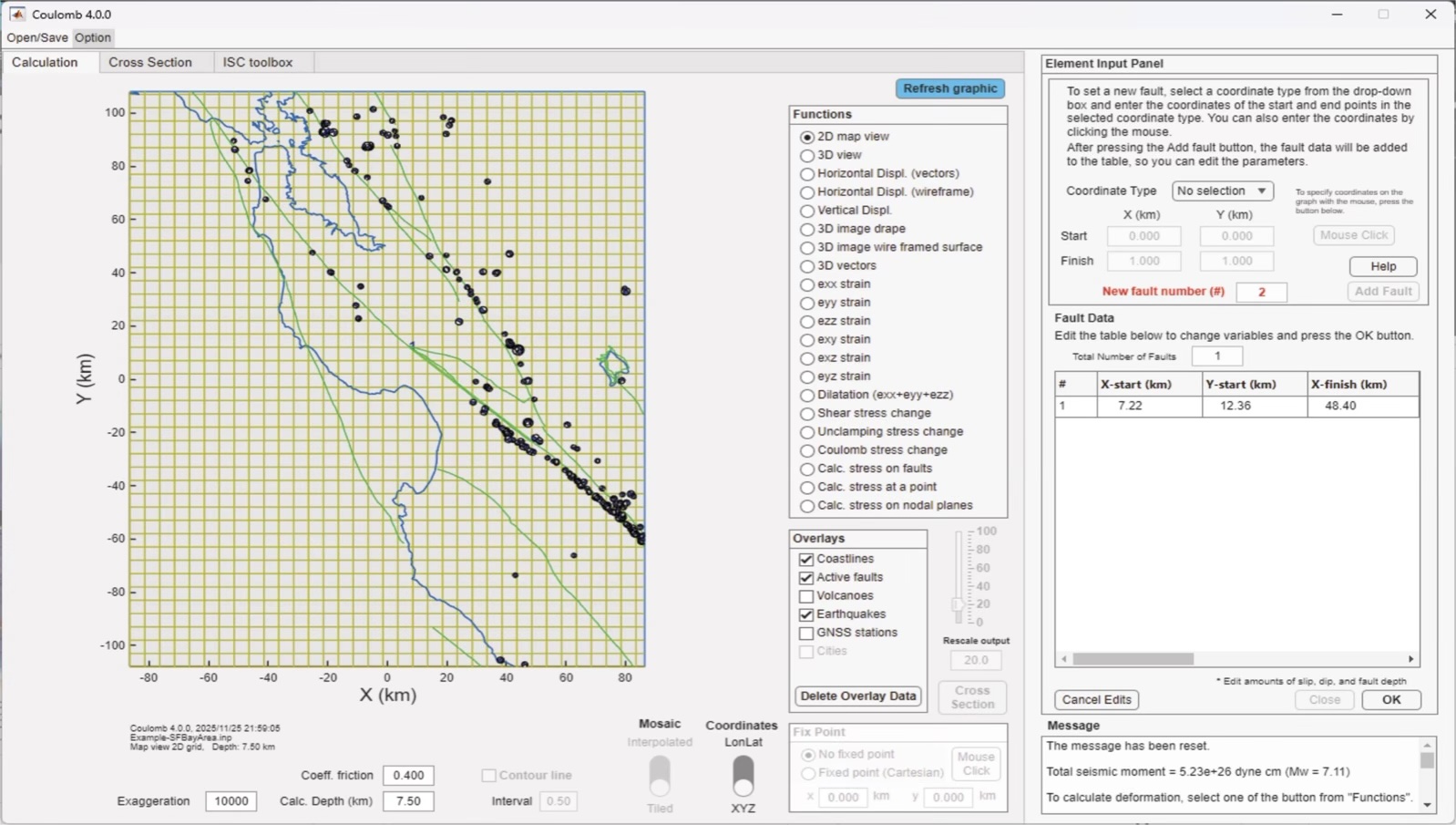
Figure 3. Coulomb 4.0’s updated desktop, with a map, Functions, Overlays and the Element Input Panel all simultaneously visible. One can toggle between Mosaic and Interpolated stress or strain. Contours can be added. The fault friction coefficient, calculation depth exaggeration can be adjusted. Whenever one inputs an earthquake source and slip, its seismic moment and magnitude (Mw) is reported in the Message panel. Credit: Temblor, CC BY-NC-ND 4.0

Alka Tripathy-Lang is a freelance science writer based in Chandler, Arizona, and holds a Ph.D. in geoscience.
Latest posts by Alka Tripathy-Lang, Ph.D. (see all)
- Living through the Loma Prieta earthquake - October 21, 2021
- The Great Quake Debate: an interview with seismologist and author Susan Hough - August 27, 2020
- Salton Sea Swarm quiets down - August 12, 2020